For any organization to run effectively, it requires a structured order. Permissions are essential because they give managers and administrators the power to allow or deny access requests. However, permission management can get complicated if you don’t have the appropriate systems and structures. Today, there’s a vast assortment of advanced technologies that companies can utilize to facilitate collaboration and sharing of information among colleagues.
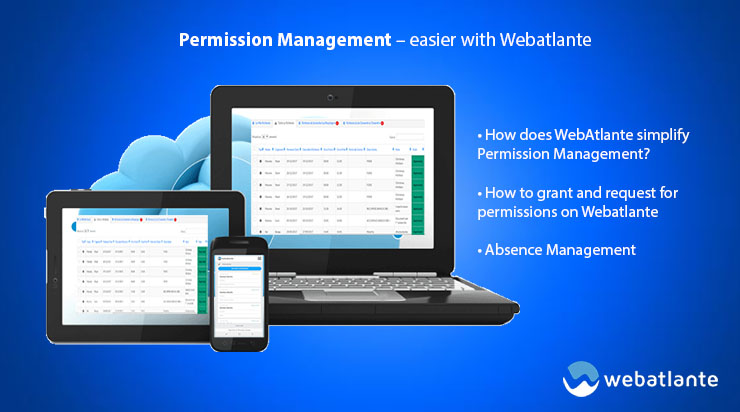
However, permission management is a very delicate issue. Administrators should always countercheck to ensure that they grant authorization to appropriate parties. Webatlante, the best HR software worldwide, helps to simplify permission management tremendously.
How does WebAtlante simplify Permission Management?
Webatlante contains a variety of modules that facilitate seamless flow of processes in any organization. For instance, Access Control module allows you to control who gets special access to particular information. Since the business environment is constantly changing, you require a platform that can meet the dynamic needs of your specific business. One of the most outstanding features here is the Role-Based Access Control that allows you to grant access according to an employee’s role/position in the organization. Access control also secures your logins, whether you’re resting or on the go. Webatlante goes above and beyond to ensure your data is always secure.
How to grant and request for permissions on Webatlante
With Webatlante, employees can request their superiors for access permission or even for sick/annual leaves. This permission request is then reflected on the manager’s account. For instance, if you’re an administrator, you’ll see a notification on the top right-hand side indicating that you have new requests pending. Once you click on this notification, you’ll be directed to the requests section. This is essentially where you will either grant permission to pending requests or deny it. This section contains several segments which include the type of request, the first & last name of the employee, date of request, and status.
It’s similarly easy to request for authorization if you’re using the Webatlante platform. Simply click on request authorization and choose the user. Next, click on Permission Type and click on the specific kind of authorization you’d desire. You can also key in the start and end permission dates – this indicates that the permission requester is accountable and will not contravene the conditions of any permissions granted. There’s also a “Time” segment that allows you to indicate when you’d like the authorization to start and end. If necessary, you can include a small note at the very bottom of the Request Authorization page.
Absence Management
Sometimes, employees fail to show up to work for numerous reasons. Webatlante contains an exquisite Absence Management module that allows administrators to keep track of absent employees. Workers can basically request for leave and register for time-off requests using this platform. These include sick leaves, casual leaves and mandatory annual leaves. Using the absence management module, you can manage multi-country calendars and monitor geographically deployed employees as well. Employees can also get regular alerts on their phones. The possibilities are endless!
Regular employee attendance is critical for any organization because it facilitates optimal productivity and enables seamless flow of work. Therefore, managers can’t allow their subordinates to be absent from work without prior notice. This is why the absence management module is so important. Employees can simply request permissions for leave using this module. After issuing the request, managers can then decide whether to offer the green light or to deny such requests altogether. Clearly, permission management enhances efficiency and improves operational performance. The Webatlante software also sends trigger alerts to highlight employees with high absence levels. Thanks to Webatlante, your permission management troubles just came to a halt.